Have you ever stood in the middle of your living room, coffee cup in one hand and smartphone in the other, wondering why your smart switches refuse to cooperate? You’re not alone. Setting up a remote control system for smart switches can feel like trying to solve a Rubik’s cube blindfolded—frustrating, messy, and honestly, a touch embarrassing.
This guide will help you conquer the chaos with actionable steps, insider tips, and even some brutal honesty (yes, we’ll talk about that time I accidentally turned off my neighbor’s lights). You’ll learn how to choose the right setup, configure it effortlessly, troubleshoot common issues, and make your home smarter without losing your sanity. Let’s dive in.
Table of Contents
- Key Takeaways
- Why Remote Control Setup Matters for Smart Switches
- Step-by-Step Guide to Setting Up Remote Controls
- Pro Tips for Optimizing Your Smart Switch Experience
- Real-Life Success Stories
- FAQs About Remote Control Setup
Key Takeaways
- A proper remote control setup transforms your smart switch experience from chaotic to seamless.
- Choosing compatible devices is crucial; mismatched gear leads to headaches.
- Testing connections before finalizing installation saves hours of troubleshooting later.
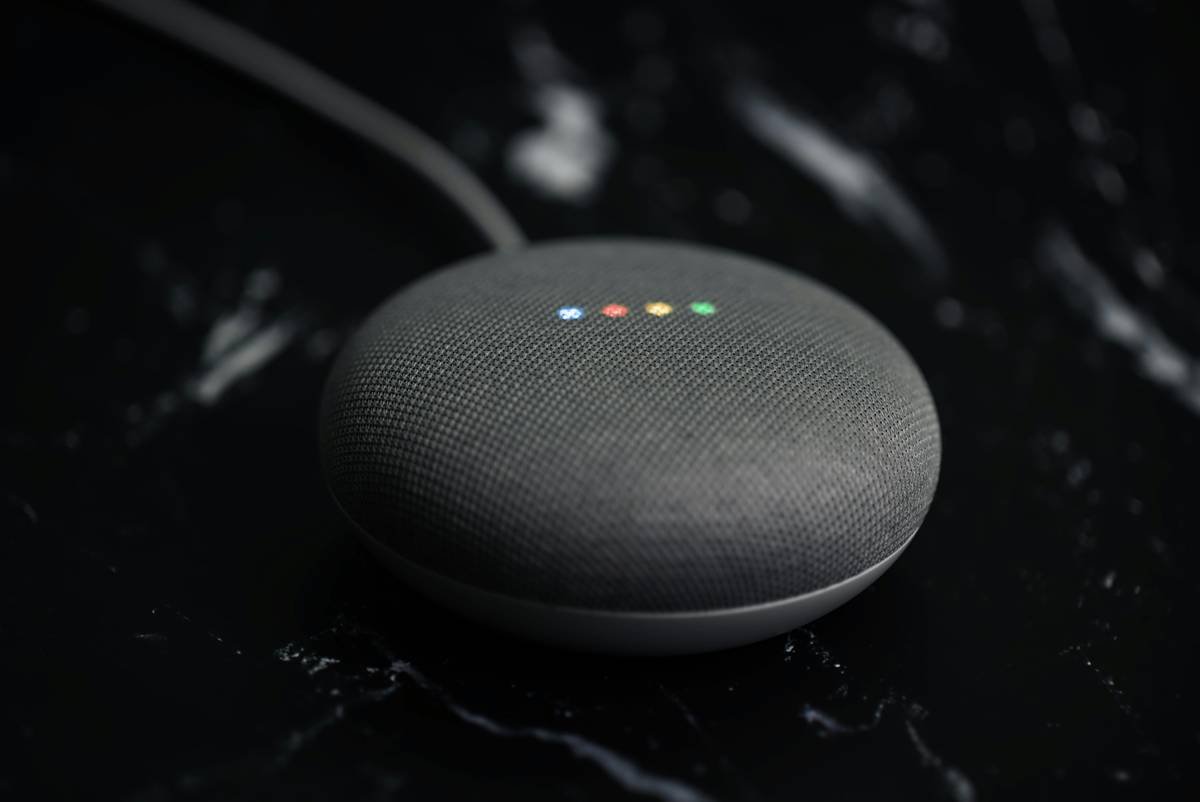
- Apps and voice assistants simplify management but require thoughtful configuration.
Why Remote Control Setup Matters for Smart Switches
If you’ve ever wrestled with outdated electrical systems or cursed under your breath while manually flipping switches, you know what I’m talking about. Enter smart switches—the tech-savvy solution to modernize lighting control. But here’s the kicker: They’re only as good as their remote control setup.
I once installed a smart switch without checking if it supported my router’s frequency band. Spoiler alert: It didn’t work. For three days, I lived in darkness because I stubbornly refused to admit defeat and read the instructions. Don’t be me.
Having a reliable remote control setup ensures:
- You can manage lights from anywhere using an app or voice commands.
- Guests aren’t left fumbling around due to unfamiliar physical switches.
- Scheduling automations becomes possible, saving energy and enhancing convenience.
Step-by-Step Guide to Setting Up Remote Controls
Ready to become the wizard of your own castle? Follow these steps:
Step 1: Choose the Right Smart Switch
Not all smart switches are created equal. Opt for models compatible with popular ecosystems like Google Home, Amazon Alexa, or Apple HomeKit. Compatibility = peace of mind.
Step 2: Check Your Wi-Fi Network
Ensure your network supports the required protocols (usually 2.4 GHz). “Optimist You” might think, *’All networks work!’*. Grumpy You says, *’Ugh, fine—but only if you want it to actually connect.’*
Step 3: Install the Switch Properly
Turn off the power at the circuit breaker first. Safety first, folks. Then follow the manufacturer’s wiring diagram carefully. Pro tip: Label wires beforehand—it’ll save tears later.
Step 4: Connect to the App
Download the corresponding app and follow its prompts to pair the device. Most apps provide clear instructions, so this should be smooth sailing—unless your Wi-Fi dies mid-setup (ask me how I know).
Step 5: Test Functionality
Before declaring victory, test every feature—remote access, scheduling, dimming capabilities, etc. This step confirms everything works as expected.
Pro Tips for Optimizing Your Smart Switch Experience
- Group Devices into Scenes: Combine multiple switches into scenes like “Movie Night” or “Good Morning.” One tap = instant ambience.
- Update Firmware Regularly: Manufacturers push updates to improve security and functionality. Ignore them at your peril.
- Use Dedicated Smart Hubs: If your ecosystem feels sluggish, add a hub like Philips Hue Bridge for better performance.
Terrifying Tip Alert: Buying cheap knockoff switches might save money upfront, but they often lack robust support, leaving you stranded when problems arise. Trust me, no one wants to spend hours on hold with customer service overseas.
Real-Life Success Stories
Take Sarah, a busy mom who transformed her chaotic mornings by setting up schedules for her kitchen lights and hallway lamps. Her kids now wake up naturally to gradually brightening lights instead of jarring alarms—a small change with big impact.
Then there’s Tom, whose love for home automation reached new heights after integrating his smart switches with Alexa Routines. With a single command (“Alexa, movie night!”), he dims the living room lights, turns on his projector, and queues up Netflix. Chef’s kiss.
FAQs About Remote Control Setup
Can I Use My Existing Light Switch Wiring?
In most cases, yes! However, neutral wire requirements vary depending on the model. Always verify specs before purchasing.
What Happens If My Internet Goes Down?
Many smart switches retain basic functionality offline. Scheduled tasks may pause until connectivity resumes.
Is It Hard to Set Up Voice Controls?
Nope! Simply link your smart switch app to your preferred assistant platform and follow the guided process. Easy peasy lemon squeezy.
Conclusion
Setting up remote controls for smart switches doesn’t have to feel intimidating. By choosing the right equipment, following a structured plan, and leveraging helpful tools, you can achieve tech-enabled harmony in your home. Remember, preparation prevents poor performance—so do your homework before diving in.
And hey, if things go south, don’t hesitate to ask for help. After all, even tech wizards need backup sometimes. Like turning off a random toaster across town remotely, your journey with smart switches begins today.
Haiku moment:
Lights dance at thy call,
Smart switches make life simple,
Wi-Fi gods bless thee.