Ever stared at your electricity bill and wondered where all that energy went? Maybe you’ve tried turning off lights or unplugging appliances, but the savings just don’t add up. Here’s the kicker: traditional switches only let you control power—they don’t tell you *how* much power you’re actually using. That’s where energy monitoring systems combined with smart switches come in to save both your sanity and your wallet.
In this post, we’ll dive into why energy monitoring systems are a game-changer for smart home enthusiasts (and even skeptics). You’ll learn:
- Why energy waste is the silent vampire of modern living.
- A step-by-step guide to integrating these systems with your smart switches.
- The best practices to maximize efficiency—and avoid common rookie mistakes.
- Real-world examples from homeowners who’ve slashed their bills without becoming tech wizards.
Table of Contents
- Key Takeaways
- The Problem with Traditional Switches
- Step-by-Step Guide to Setting Up Your System
- Tips & Best Practices
- Real-World Examples
- FAQs About Energy Monitoring Systems
Key Takeaways
- Energy monitoring systems track real-time usage, helping reduce waste and lower utility costs.
- Smart switches act as gateways to smarter energy management when integrated with monitoring technology.
- Homeowners can expect 10%-30% reductions in energy costs by optimizing their setup.
- Mistakes like improper wiring or ignoring data insights can undermine system benefits.
Why Traditional Switches Suck for Saving Energy
Picture this: Back in my early days of dabbling in smart homes, I hooked up a fancy thermostat—only to realize I’d left three lamps burning on dumb switches overnight. The result? A whopping $50 extra on my next bill. Ugh.
Here’s the issue:
- No Feedback Loops: Traditional switches offer zero insight into how much juice each device consumes. It’s like driving blindfolded.
- Limited Control: Most people don’t want to run around flipping switches every time they leave a room—or dig through breaker panels at midnight because someone forgot to turn off the AC.
- Vampire Loads: Devices like chargers and TVs often draw “phantom” energy even when turned off. Without an energy monitoring system, you’re flying completely blind.
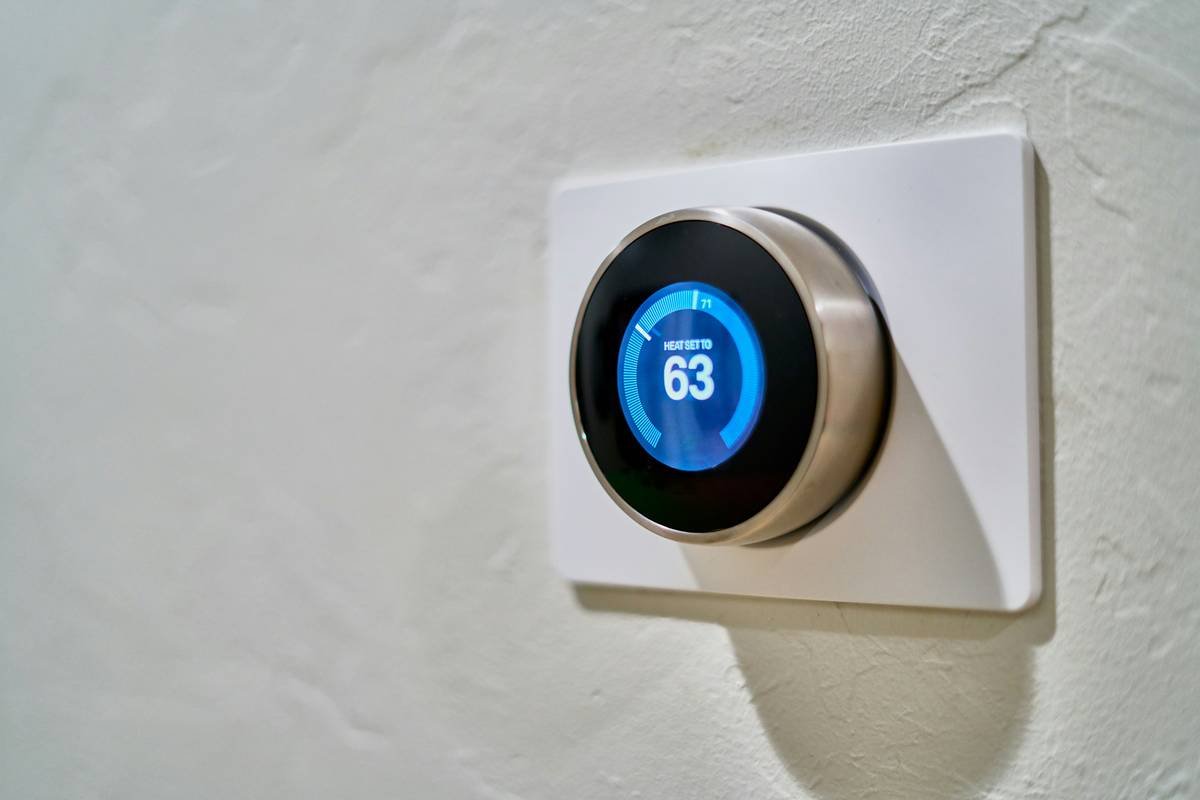
Figure 1: A comparison showing traditional versus smart switch interfaces.
Step-by-Step Guide to Integrating Energy Monitoring Systems with Smart Switches
Alright, team player moment here. Let’s set up your dream setup. Grab that coffee mug—I warned ya!
Step 1: Choose Your Tech Stack
First, decide whether you need standalone energy monitors or ones that integrate with existing systems like Alexa, Google Assistant, or Apple HomeKit. Some top picks include:
- Eve Energy Monitor (iOS-heavy households)
- Sense Energy Monitor (whole-home monitoring)
- TP-Link Kasa Smart Plug (budget-friendly)
Step 2: Wire Smart Switches Properly
Confession: I once fried a perfectly good smart switch trying to DIY installation without reading the manual. Moral of the story? Always double-check compatibility with your wiring—and call an electrician if unsure.
Step 3: Sync with an App
Download the companion app for your chosen system. Most apps provide easy dashboards showing real-time energy consumption. Use these tools to identify culprits sucking unnecessary power.
Chefs Kiss Tips for Maximizing Efficiency
Now let’s get practical. Below are tips so sharp they might cut you:
- Set Automations: Schedule smart switches to turn off devices during peak hours or when no one’s home.
- Monitor Trends: Look for patterns over weeks or months to spot hidden drains.
- Pair with Solar Panels: Combo deals exist! If you already have solar, connect it to optimize renewable energy use.
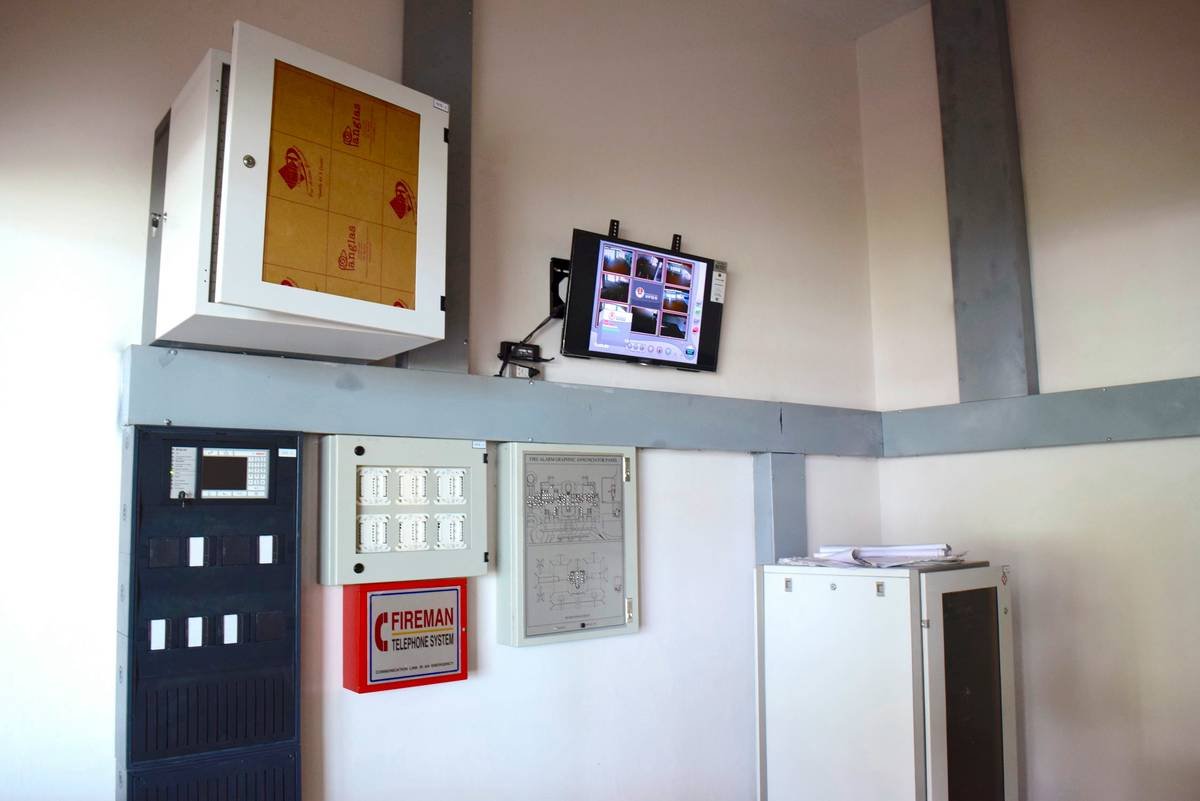
Figure 2: Mobile app dashboard showcasing real-time energy tracking features.
Grumpy Optimist Mode:
Optimist You: “Automating everything will solve world hunger!”
Grumpy Me: “Slow down, Elon, and focus on saving *your own* dollars first.”
Success Stories Straight Outta Smartville
I spoke with Amy R., a homeowner in Colorado Springs, who shared her journey with energy monitoring. After installing smart switches paired with Sense monitors, she discovered her pool pump was running way longer than needed. Adjustments alone saved her nearly $80/month!
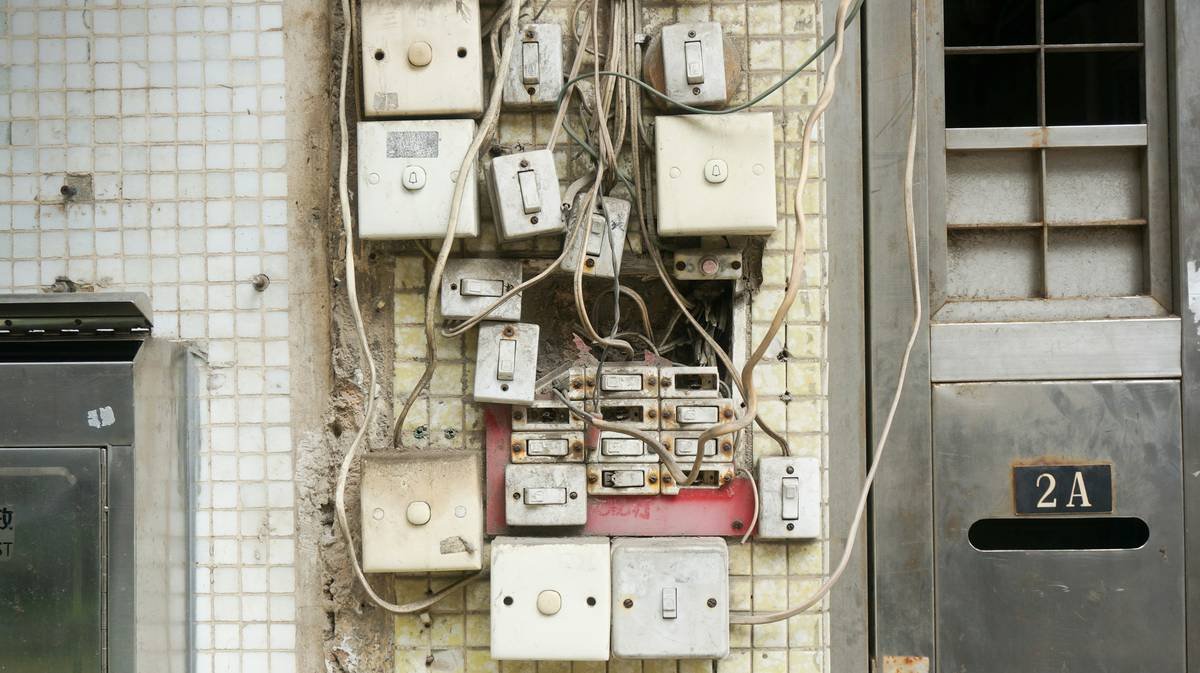
Figure 3: Dramatic drop in expenses post-installation.
Frequently Asked Questions
Do Energy Monitoring Systems Work With All Smart Switches?
Nope. Compatibility varies depending on brands and models. Always check specifications before purchasing.
Are These Systems Worth the Investment?
They typically pay for themselves within 6 months due to reduced energy costs. Plus, there’s eco-conscious bragging rights ;).
Can I Install Everything Myself?
Tech-savvy users may succeed, but if wires scare you, hire a pro. Trust me—it beats replacing melted electronics later.
Conclusion
If you’ve made it this far, congrats—you now know how energy monitoring systems can turbocharge your smart switches and shrink those scary utility bills. Remember: Small tweaks yield big gains. And yes, patience pays off (especially with finicky apps).
Like a Tamagotchi, your setup needs daily TLC. But hey, progress feels good, doesn’t it?
Haiku Break:
Switch clicks, lights dim,
Watt-watch wonder saves cash—
Smart home, zen-like bliss.