Table of Contents
- Introduction
- Why Smart Thermostats Are More Than Just a Gadget
- Step-by-Step Guide to Set Up and Use Your Smart Thermostat
- Top Smart Thermostat Tips You Need Now
- Real-Life Success Stories with Smart Thermostats
- FAQs About Smart Thermostats
- Conclusion
Introduction
Ever stared at your smart thermostat thinking, “What even *is* this thing?” You’re not alone. According to ENERGY STAR, up to 90% of homeowners who buy smart thermostats never fully optimize their settings, leaving energy savings—and comfort—on the table.
This post is here to change that. Whether you’ve got a shiny new device waiting to be installed or one gathering dust on your wall, we’ll cover everything from setting it up properly to mastering those money-saving tweaks. You’ll learn why smart thermostats are worth the hype, how to set them up like a pro, and tips that actually work.
Why Smart Thermostats Are More Than Just a Gadget
I once ignored my smart thermostat for months—literally just let it sit there defaulting to whatever schedule came out of the box. Spoiler alert: My electric bill cried itself to sleep every night.
The Problem: Many users treat these devices as glorified timers instead of leveraging their AI-powered capabilities. The truth? If you’re not optimizing your system, you’re throwing away potential savings—and maybe overworking your AC in summer.
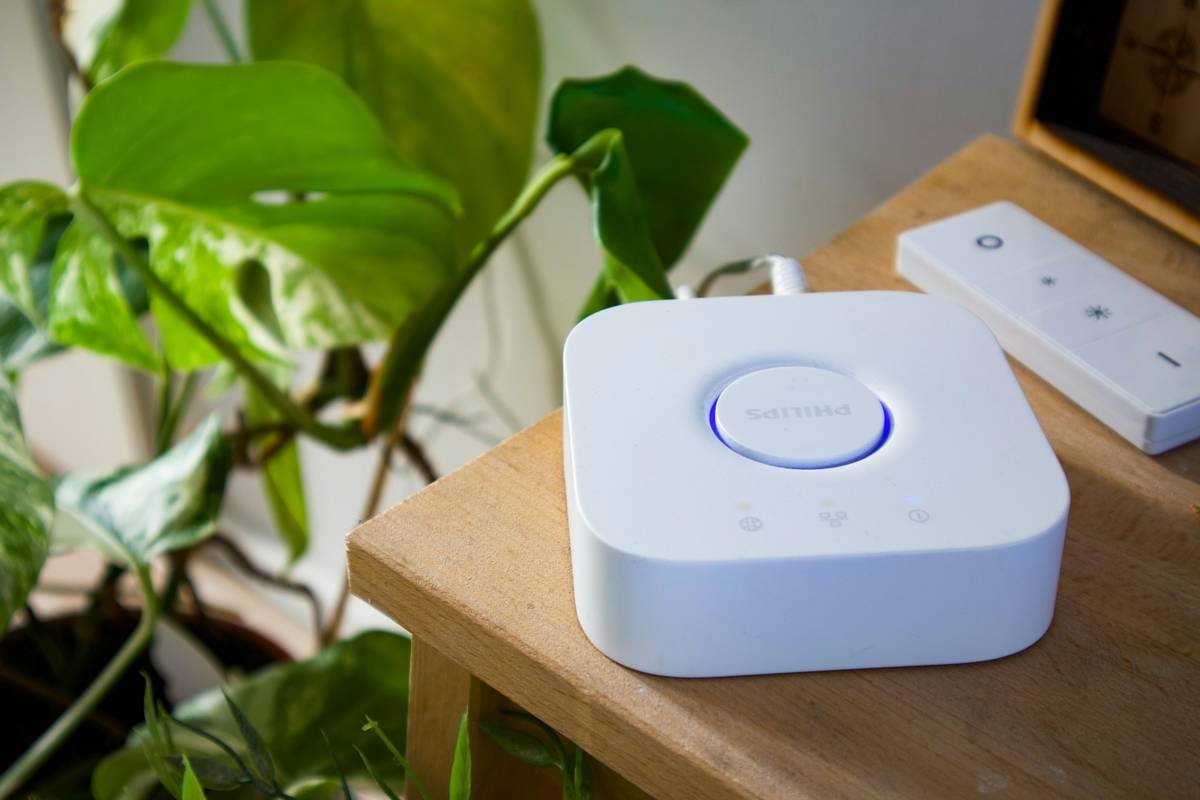
Smart thermostats can save households an average of $180 per year by learning habits and adjusting temperatures automatically. But without proper know-how, they’re about as useful as that drawer full of old chargers.
Step-by-Step Guide to Set Up and Use Your Smart Thermostat
Getting started feels daunting until you break it into bite-sized chunks. Here’s your cheat sheet:
Step 1: Installation Basics
Optimist You: “I’ve totally got this installation under control.”
Grumpy You: “Who gave me permission to touch wires?”
If wiring isn’t your jam, hire an electrician. Otherwise:
- Turn off power to your HVAC system.
- Remove the old thermostat and snap a pic of the wiring setup (future you will thank present you).
- Follow the app instructions when connecting your new thermostat.
Step 2: Syncing With Your Phone or Hub
Download the manufacturer’s app and sync your device via Wi-Fi or Bluetooth. This unlocks all the juicy features like remote access and geofencing.
Step 3: Setting Up Schedules
Let your thermostat do the heavy lifting:
- Create temperature schedules based on your daily routine.
- Enable eco modes during peak hours or vacations.
Sounds easy, right? Until you realize you’ve been blasting the heat while binge-watching Netflix alone. Oops.
Top Smart Thermostat Tips You Need Now
Ready to level up? These tricks are chef’s kiss levels of genius—or dumb enough to make you rethink life choices.
Tip 1: Enable Geofencing
Have your thermostat adjust temps based on whether anyone’s home using GPS tracking. It’s slick but eats battery faster than you’d expect.
Tip 2: Don’t Obsess Over Extreme Changes
Bumping your AC down 15° won’t cool your house faster—it’ll just waste energy. Stick to gradual adjustments.
Tip 3: Pair with Smart Switches
Control lights, fans, and appliances alongside your thermostat for total household harmony. Like peanut butter and jelly good.
(Terrible Tip Alert!) Disable Alerts Completely
Nope, don’t do this. Yes, notifications can feel spammy—but ignoring filter-change reminders means saying goodbye to efficiency.
Real-Life Success Stories with Smart Thermostats
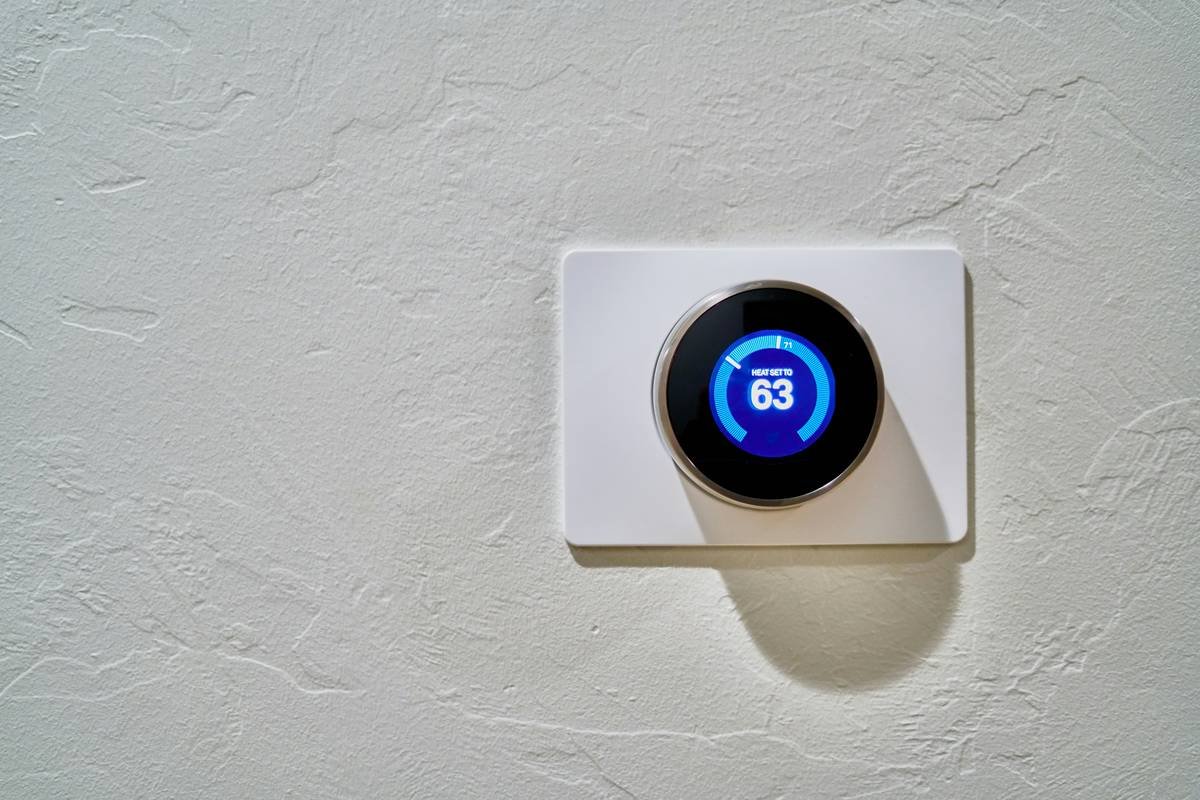
Meet Sarah from Denver. She cut her monthly heating bill by $67 after tweaking her Nest’s seasonal schedule and turning off guest room heating completely. TLDR: Small tweaks = big wins.
FAQs About Smart Thermostats
Do I Really Save Money With a Smart Thermostat?
Yes—if used correctly. Think smarter usage, not magic buttons.
Can I Install One Myself?
Yes, most models come with detailed guides. Just ensure your system is compatible first.
What Happens If My Wi-Fi Goes Out?
Most devices revert to manual mode temporarily. Panic not!
Conclusion
From geofencing sorcery to pairing with smart switches, there’s more to smart thermostats than meets the eye. They aren’t just gadgets—they’re tools to transform your home’s efficiency game. So go ahead, tweak those settings like the tech-savvy boss you are.
And remember…
Pixels blink, circuits hum,
Energy saved—one click run.
Like Tamagotchis, nurture thy stats.