
Ever walked into a pitch-black room because you forgot to turn on the lights before bed? Or worse, left your entire house lit up like Times Square while you were out? Yeah, us too. Now imagine never having to worry about it again. Welcome to the life-changing magic of Schedule-Based Automation. With smart switches on your side, convenience meets energy efficiency—and trust us, it’s *chef’s kiss*.
In this post, we’re diving deep into how Schedule-Based Automation can revolutionize your home setup with smart switches. By the end, you’ll learn:
- The real deal behind Schedule-Based Automation (and why it matters)
- A step-by-step guide to setting up automated schedules
- Actionable tips for maximizing its potential
- Real-world examples of homes transformed by this tech
Table of Contents
- Key Takeaways
- What Is Schedule-Based Automation?
- How to Set Up Schedule-Based Automation with Smart Switches
- Tips and Best Practices for Smooth Automation
- Examples and Case Studies
- FAQs About Schedule-Based Automation
Key Takeaways
- Schedule-Based Automation allows you to pre-program devices via smart switches for seamless control.
- This feature not only saves time but also reduces energy consumption significantly.
- Choosing the right smart switch brand is crucial—reliability over gimmicks!
- Pairing automation with habits creates an unbeatable synergy for smart living.
What Is Schedule-Based Automation?
Let’s start simple: What exactly is Schedule-Based Automation? Well, it’s basically teaching your smart switches when to work without you needing to lift a finger. Think of it as hiring a personal assistant who works round-the-clock—at zero cost!
Here’s where things get spicy: Did you know that smart lighting controlled through schedules can cut energy bills by up to 30%? That means if you typically spend $100 monthly on electricity, optimized scheduling could save you $360 annually. Sounds like money burning in your wallet otherwise, huh?
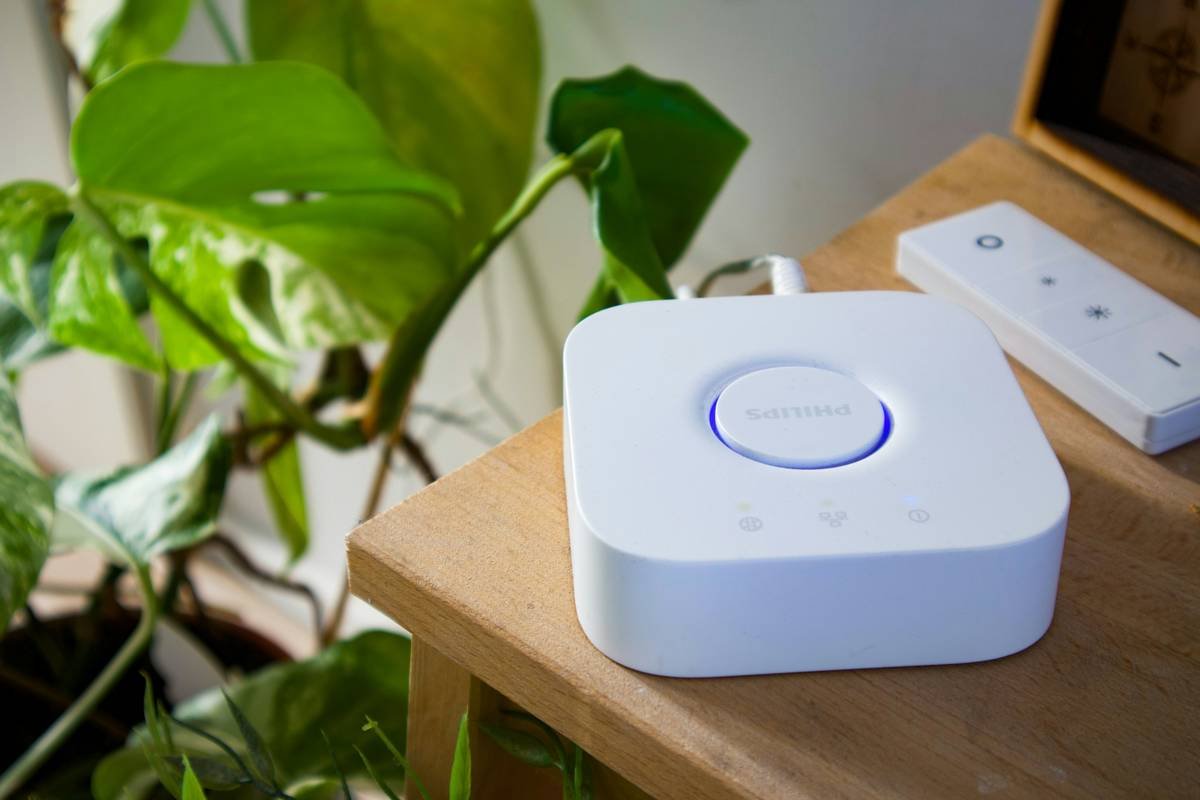
Figure 1: Energy savings potential with smart switch scheduling.
How to Set Up Schedule-Based Automation with Smart Switches
“Optimist You:” “This sounds easy!”
“Grumpy You:” “Ugh, fine—but only if coffee’s involved.”
Fair warning—it might be easier than brewing that second cup of joe. Here’s how to do it:
Step 1: Choose Compatible Devices
Before anything else, ensure your smart switches are compatible with popular ecosystems such as Amazon Alexa, Google Assistant, or Apple HomeKit. This guarantees smooth integration later. (Pro-tip: Ignore cheap knockoffs; they scream ‘regret’ faster than pineapple pizza.)
Step 2: Install Your Switches Properly
If DIY isn’t your jam, consider hiring a pro. But hey, if screwdrivers don’t scare you, follow these steps:
- Turn off power at the breaker box.
- Remove old switch plates carefully.
- Connect wires securely to the new smart switch per manufacturer instructions.
Step 3: Connect to Wi-Fi + App Configuration
Download the corresponding app for your smart switch brand (e.g., Lutron Caséta, TP-Link Kasa). Once connected to Wi-Fi, create your first schedule using intuitive drag-and-drop interfaces within the app. Boom—you’re halfway there.
Step 4: Test & Tweak Settings
No one nails their setup perfectly the first time. Let’s face it—your initial attempt might look like your dog chasing its tail. So test different timings, tweak durations, and check notifications until everything runs smoothly.
Tips and Best Practices for Smooth Automation
Alright, here’s where I drop some serious tea:
- Prioritize High-Traffic Areas: Automate frequently used spaces, like living rooms or bedrooms, first.
- Create Routines: Tie multiple actions together—for instance, dimming lights AND locking doors at bedtime.
- Avoid Over-Automation: Don’t schedule EVERYTHING. Sometimes human intuition beats algorithms.
Brutal Honesty Alert: Avoid the classic rookie mistake of making overly complicated rules. Your future self will thank you when you avoid debugging spaghetti code just to fix your bathroom light.
Examples and Case Studies
Picture this: Sarah, a busy marketing exec, installed smart switches across her condo last year. She programmed all bedroom lights to turn off at 10 PM sharp nightly. The result? Her sleep improved dramatically due to consistent routines PLUS noticeable drops in her utility bill.
Another gem comes from Bob, a remote worker. By automating his office lights based on his Zoom meeting calendar, he reduced screen fatigue and kept his workspace cozy during long hours.
FAQs About Schedule-Based Automation
Can I manually override scheduled settings?
Absolutely! Most apps allow manual overrides anytime. It’s flexible AF.
What happens during a power outage?
Smart switches retain memory after outages, resuming schedules once power returns. No stress needed.
Do I need programming skills?
Nah, modern apps are user-friendly enough for even your technophobic grandma.
Conclusion
To recap, mastering Schedule-Based Automation transforms chaotic living into zen-like bliss. From boosting productivity to saving cold hard cash, smart switches paired with well-thought-out schedules make every homeowner feel like Tony Stark.
So grab your toolkit—or your favorite barista—and let automation handle the rest. And remember… like a Tamagotchi, your SEO needs daily care. 😉