“Ever stared at your wall switch, wondering why it won’t talk to Alexa when every YouTube tutorial promised harmony? Yeah, me too. But let’s fix that.”
Welcome to the definitive guide on smart home integration guides—your lifeline if you’ve ever struggled with getting those sleek smart switches to play nice with your other devices. From solving compatibility issues to mastering seamless setups, this article has your back.
Here’s what we’ll cover:
- The rookie mistakes that cost me hours (and nearly fried my circuits).
- A step-by-step process to integrate smart switches like a pro.
- Pro tips for avoiding tech tantrums and boosting convenience.
- Real-life examples of homes transformed by proper smart switch setups.
Table of Contents
- Introduction
- Key Takeaways
- Why Are Smart Switches Such a Headache?
- How to Integrate Smart Switches: Step by Step
- Best Practices for Seamless Smart Switch Integration
- Case Studies: When Smart Homes Get REALLY Smart
- FAQs About Smart Home Integration Guides
- Conclusion
Key Takeaways
- Compatibility is king; ensure your smart switch works with existing systems before buying.
- Create an integration roadmap to avoid clashes between devices.
- Leverage automation but don’t overdo it—simplicity beats complexity.
Why Are Smart Switches Such a Headache?
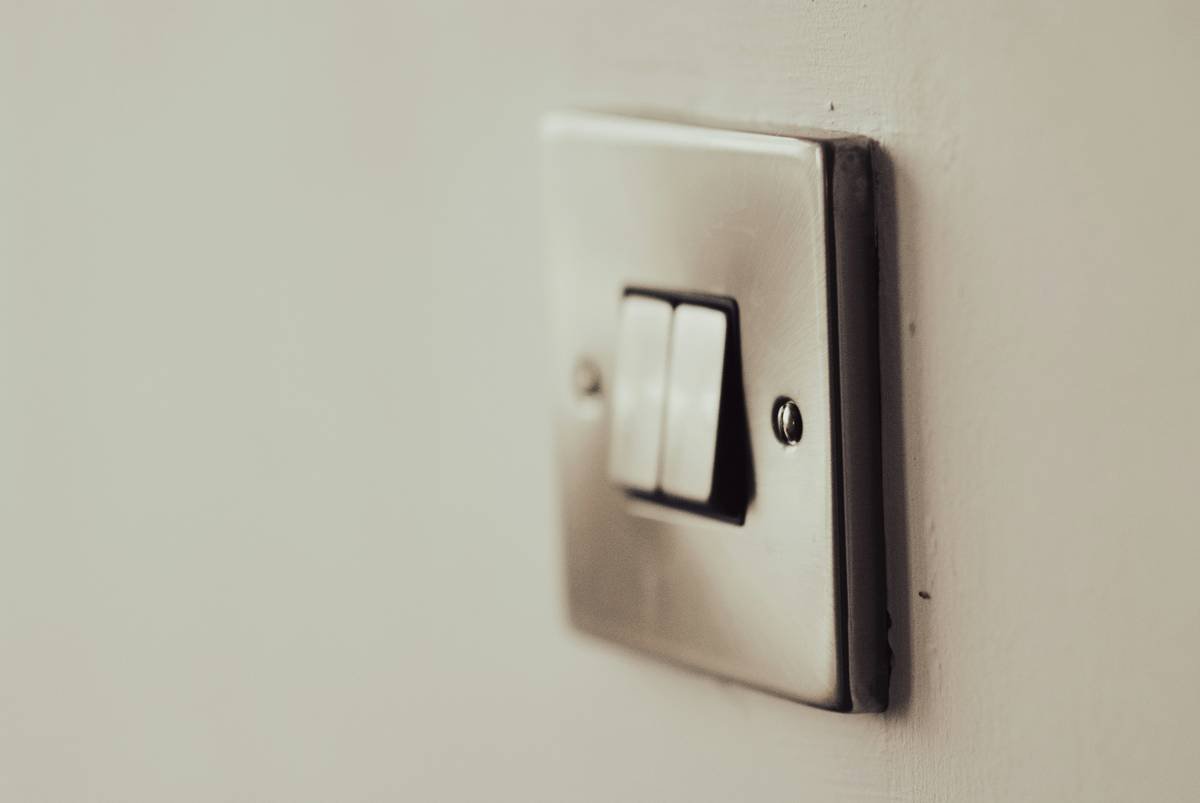
I once installed a fancy smart switch only to realize it didn’t even *work* with my home Wi-Fi network. Picture this: one hundred dollars down the drain, and all I got was a blinking red light making fun of me. Sound familiar?
Smart switches should simplify life—not turn into Frankenstein experiments gone wrong. Yet, many homeowners face these hurdles:
- Mismatched protocols (Zigbee vs. Z-Wave drama).
- Poor app interfaces that feel worse than Windows ME.
- Network congestion ruining device performance.
How to Integrate Smart Switches: Step by Step
Optimist You: “Let’s make magic happen!”
Grumpy You: “Ugh, fine—but first, grab more coffee.”
Step 1: Know Your Ecosystem
Before purchasing, confirm whether your new switch supports protocols already present in your smart home ecosystem (e.g., Google Assistant, Amazon Alexa).
Step 2: Turn Off Power
No, seriously. Safety first. Always cut power at the breaker before messing with wiring.
Step 3: Follow Manufacturer Instructions
I know manuals are boring, but they save lives—and sanity.
Step 4: Test Compatibility
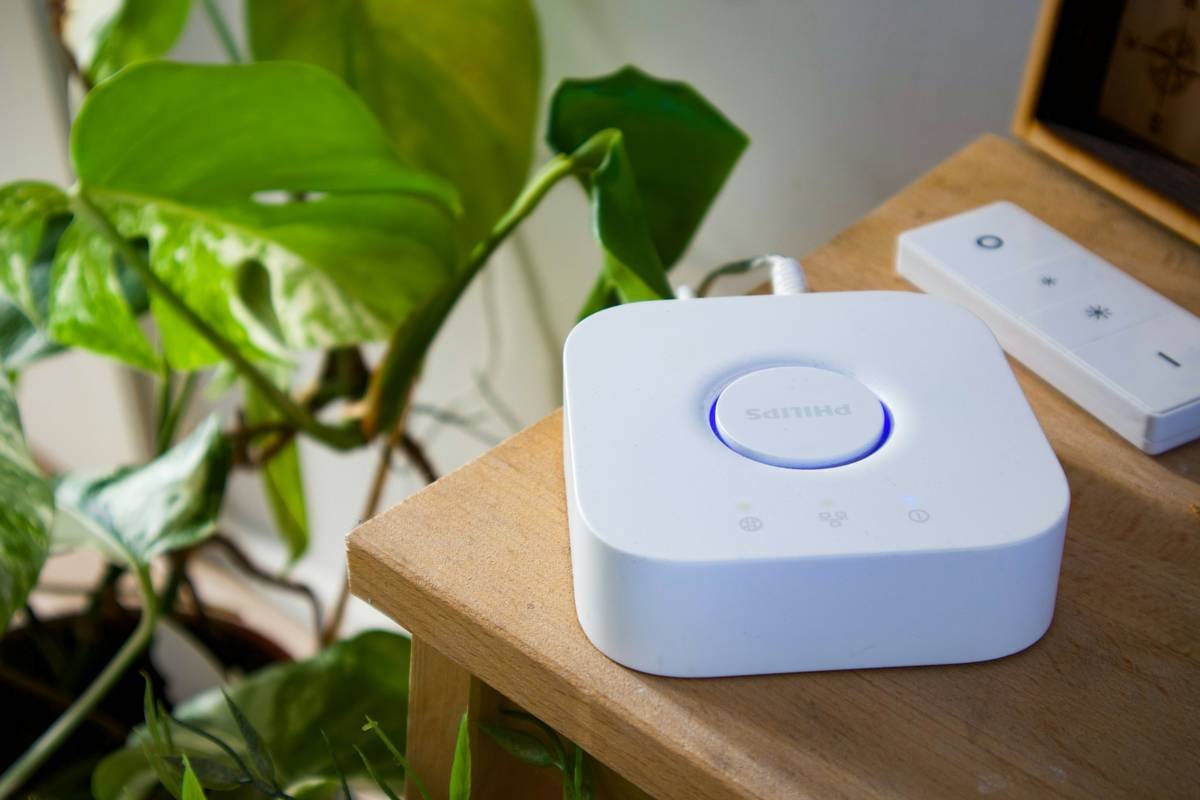
Use apps from brands like Philips Hue or Lutron to test initial functionality post-installation.
Step 5: Automate Wisely
Add basic automations (like scheduling lights) instead of creating a Rube Goldberg machine that no one understands.
Best Practices for Seamless Smart Switch Integration
- Map It Out: Sketch a blueprint of where each switch will go and its intended purpose.
- Avoid Overloading Wi-Fi: Use dedicated hubs if multiple smart devices are draining bandwidth.
- Label Wires Clearly: Trust me; future-you will thank present-you during upgrades.
Case Studies: When Smart Homes Get REALLY Smart
Example #1: Sarah, a busy mom of three, integrated her kitchen smart switch with motion sensors so lights auto-turn on when cooking late-night snacks—reducing energy waste while adding safety.
Example #2: John, a remote worker, synced his office lights with his calendar using IFTTT integration—a red alert whenever deadlines loomed helped boost productivity.
FAQs About Smart Home Integration Guides
What’s the difference between Zigbee and Z-Wave?
Zigbee uses mesh networking ideal for large spaces, while Z-Wave offers better reliability for smaller setups.
Can I use different brands together?
Maybe, but ensure compatible ecosystems through bridging services like Hubitat or Home Assistant.
Is professional installation worth it?
If you’re unsure about electrical work, absolutely. Electricity + DIY ≠ Fun Times™.
Conclusion
Mastering smart home integration guides doesn’t have to feel like rocket science. With a solid plan, patience, and some trial-and-error courage, you’ll transform chaos into control. Now, go forth and conquer those smart switches!
Bonus Haiku:
Wires hum softly,
Switch clicks obey your voice—
Welcome, Smart Future.