Ever felt like juggling six remotes just to dim the lights and play your favorite playlist? Yeah, us too. But what if we told you that custom scene creation could save you from this tech-induced chaos?
In today’s blog post, we’ll dive into Custom Scene Creation, a game-changing feature of smart switches that lets you automate all aspects of your home environment seamlessly. You’ll learn how to set up scenes in minutes, avoid rookie mistakes (like overloading a single switch—ouch), and even hear about my embarrassing attempt at “smartifying” everything in one night. So grab some coffee, fire up those smarthome apps, and let’s get started!
Table of Contents
- Why Custom Scene Creation Matters for Smart Homes
- Step-by-Step Guide to Creating Perfect Scenes
- Pro Tips for Mastering Smart Switch Scenes
- Real-Life Examples of Killer Custom Scenes
- Frequently Asked Questions About Custom Scene Creation
Key Takeaways
- Custom Scene Creation simplifies daily routines using smart switches.
- Avoid common pitfalls such as overcomplicating scenes or assigning conflicting commands.
- Leverage real-world examples to inspire practical automations tailored to your lifestyle.
Why Custom Scene Creation Matters for Smart Homes
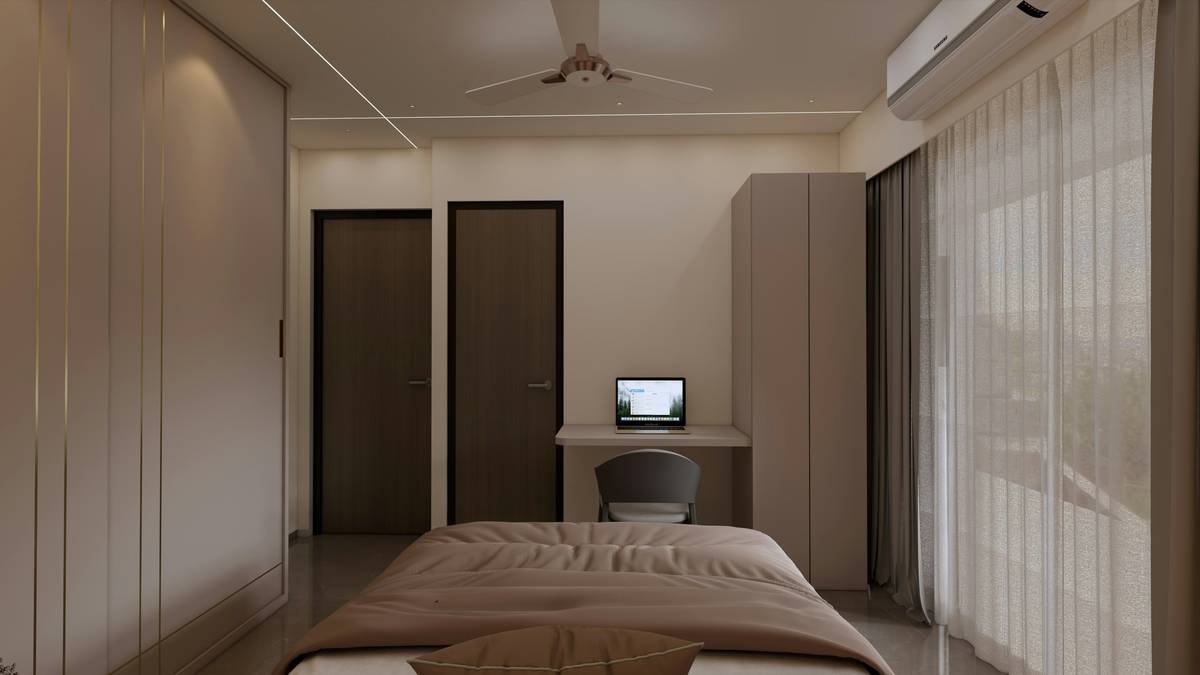
Imagine waking up to sunlight streaming through your blinds, your favorite morning playlist softly playing, and your coffee maker starting exactly when you step out of bed. Sounds dreamy, right? That’s the magic of custom scene creation, a cornerstone of modern smart homes powered by smart switches.
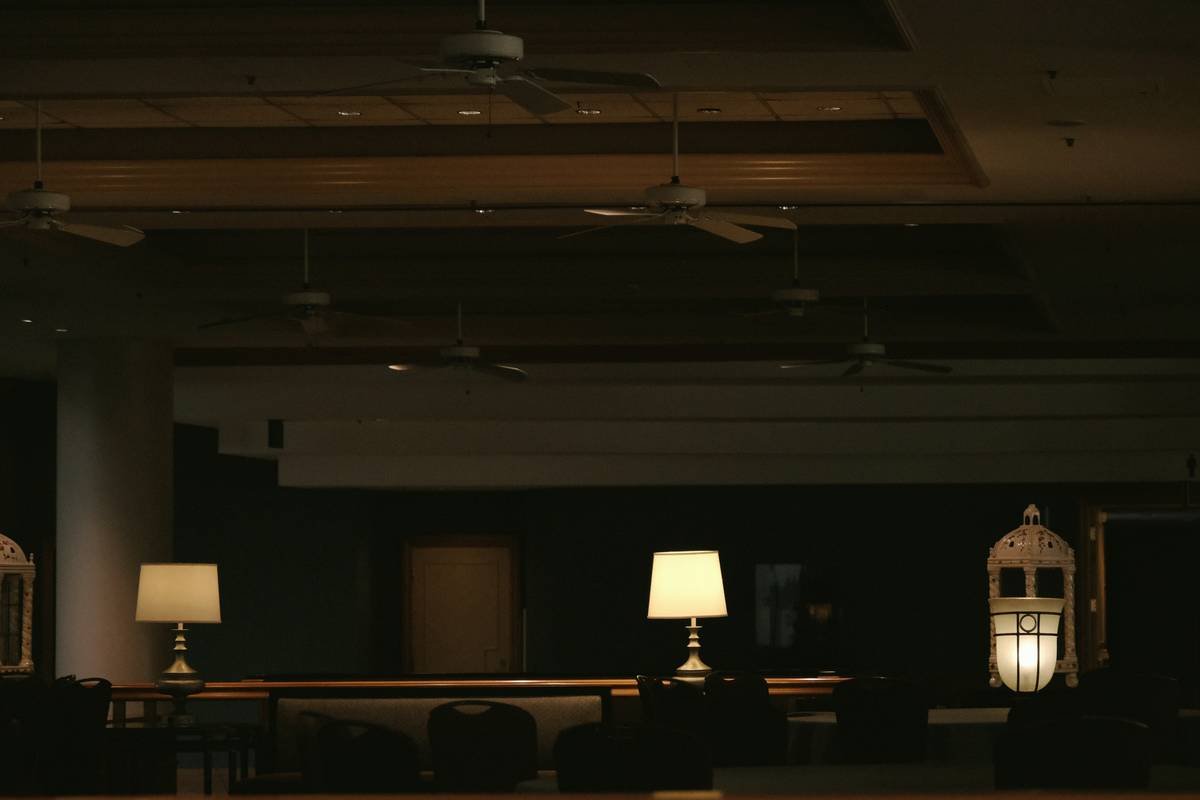
But here’s the confession moment: I once tried setting up a “Relaxation Mode” where *everything* was supposed to shut off except the living room lamp. Guess what happened? The entire house went dark… mid-dinner party. Talk about ruining vibes!
Point is, mastering Custom Scene Creation isn’t just about convenience—it’s an art form. Done poorly, it can disrupt more than help. When done well, though, oh boy—it’s pure zen for both your mind and tech ecosystem.
Step-by-Step Guide to Creating Perfect Scenes
What Devices Can Be Controlled Through Smart Switches?
Optimist You: “All these gadgets work together effortlessly!”
Grumpy Me: “Yeah, IF they’re compatible. Double-check before buying anything.”
Not all devices are created equal. For starters:
- Lighting: LED bulbs, strip lights, lamps.
- Entertainment: Speakers, TVs, projectors.
- Climate Control: Thermostats, ceiling fans.
Setting Up Your First Scene
- Download your smart switch manufacturer’s app (e.g., Philips Hue, Lutron).
- Group related devices under a unique name (like “Movie Night”).
- Define triggers—manual activation, voice command, or scheduled timing.
- Test the scene thoroughly to avoid mishaps. Seriously, TEST IT!
Tips for Smooth Scene Transitions
This strategy is chef’s kiss for drowning algorithms… err, I mean making seamless transitions between different moods:
- Use fades/delays instead of abrupt on/off actions.
- Prioritize core functions first (e.g., lighting before music).
- Name your scenes wisely; no one wants “Scene 17.” Make it descriptive!
Pro Tips for Mastering Smart Switch Scenes
Rant Alert: Nothing irks me more than someone cramming every single device into ONE overloaded scene. Please don’t be that person. Here’s why:
“My ‘Morning Routine’ used to include opening garage doors, turning on sprinklers, preheating the oven, AND reading me motivational quotes. It sounded amazing until alarms went off halfway through yoga class.”
Instead, stick to these pro tips:
- Start Small: Create basic scenes first, then build complexity gradually.
- Keep It Intuitive: Only combine devices that naturally complement each other.
- Don’t Forget Security: Add locks, cameras, or motion sensors for peace of mind.
Real-Life Examples of Killer Custom Scenes
Cosy Movie Night
Devices Used:
- Dimmable overhead lights
- Soundbar volume adjustment
- Popcorn popper timer sync
I’ll never forget hosting movie night last summer. One tap turned our kitchen into a snack zone while simultaneously dimming theater-style lights. Guests thought NASA designed it!
Early Bird Morning Routine
Before: Struggle to turn off seven alarms across three phones while stumbling toward caffeine supplies.
After: A gentle sunrise simulation paired with aromatic coffee aromas courtesy of timed machines. Pure bliss.
Frequently Asked Questions About Custom Scene Creation
Can Any Switch Support This Feature?
Nope! Not all switches have brains big enough. Stick to brands known for robust integrations, such as Lutron or Leviton.
How Many Devices Should Be In A Single Scene?
Rule of thumb: Less is often more. Aim for 3–5 closely linked devices per scene unless absolutely necessary otherwise.
Will Setting Up Scenes Cost Extra Money Monthly?
Most setups won’t hike costs after initial purchases—you’re paying for convenience rather than ongoing service fees.
Conclusion
To recap, Custom Scene Creation transforms disjointed technology into harmonious automation, saving you time and energy. Remember to start small, troubleshoot thoroughly, and keep usability front-of-mind. And hey, maybe avoid scheduling sprinklers during board meetings next time?
Nostalgia bonus: Like a Tamagotchi, your smart home needs love and attention to thrive. Cheers to building something smarter—one switch at a time!