Ever walked into a room and realized your LED lights are either too dim or just plain blinding? Yeah, we’ve all been there. That’s why mastering LED lighting optimization isn’t just about aesthetics—it’s about energy efficiency, mood-setting, and saving yourself from squinting in discomfort. In this post, we’ll show you how smart switches can transform your home into a haven of perfectly lit spaces while tackling common pain points along the way.
This article will cover:
- The importance of LED lighting optimization in modern smart homes.
- A step-by-step guide to integrating smart switches for better control.
- Tips and best practices for getting the most out of your setup.
- Real-world examples showcasing success stories.
Table of Contents
- Key Takeaways
- Why LED Lighting Optimization Matters
- How to Use Smart Switches for LED Lighting Optimization
- 5 Tips for Perfect LED Lighting Control
- Real-World Success Stories
- Frequently Asked Questions
- Conclusion
Key Takeaways
- LED lighting optimization improves energy efficiency and enhances ambiance.
- Smart switches give you unparalleled control over brightness, timing, and color temperature.
- Proper integration requires planning but pays off with long-term savings.
- Avoid cheap knockoffs—they’re as useful as a chocolate teapot.
- You don’t need to be Tony Stark to make your home smarter one switch at a time.
Why LED Lighting Optimization Matters
Picture this: You invested in fancy LED bulbs because they promised “energy savings” and “smart tech compatibility.” But then you noticed something—your living room feels more like an interrogation scene than a cozy movie night. What gives?
The problem is that many people overlook the power of fine-tuning their LEDs. With advancements in smart home technology, especially smart switches, optimizing your LED lighting has never been easier. These devices let you adjust brightness levels, set schedules, and even change colors—all through an app on your phone!
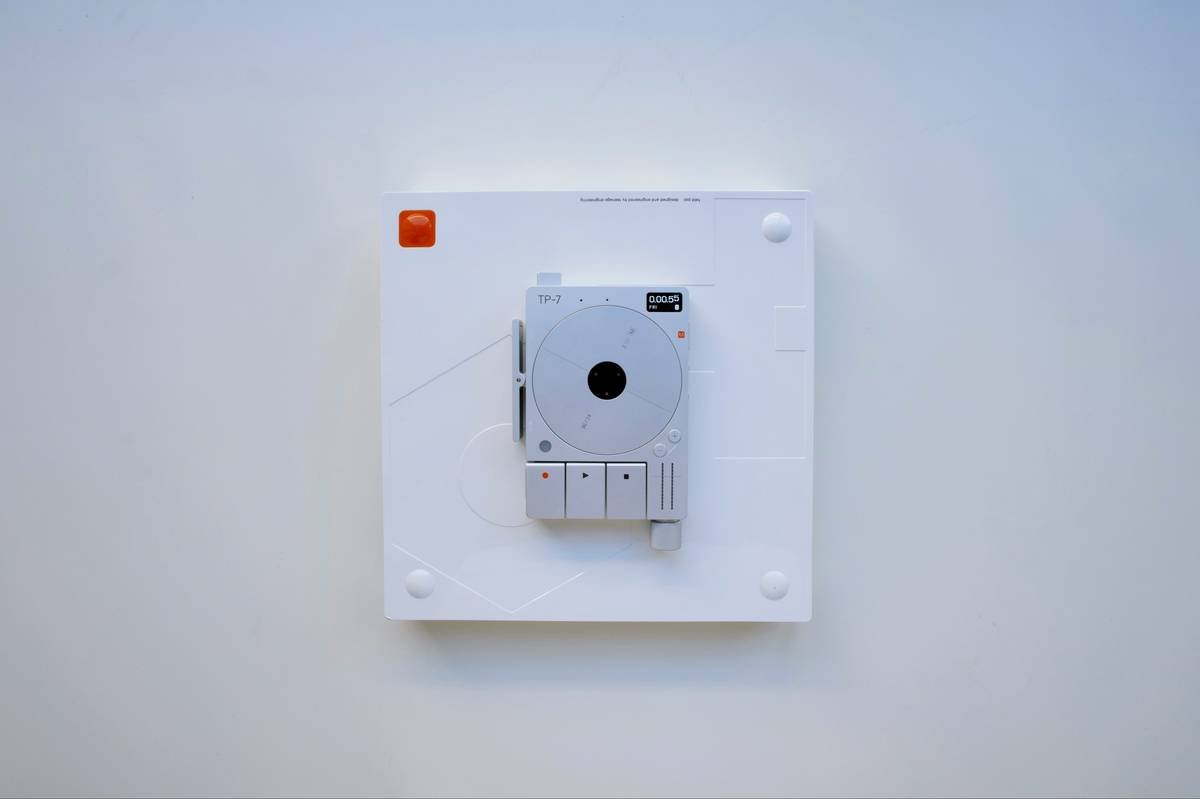
Figure 1: Installing a smart switch alongside compatible LED lighting can transform any space.
Here’s a confessional fail: I once installed my first smart switch upside down (yes, really). Not only did it confuse visitors who couldn’t figure out which direction was “on,” but it also made me feel like a total amateur. Thankfully, learning curves exist for a reason.
How to Use Smart Switches for LED Lighting Optimization
Step 1: Assess Your Current Setup
First things first, evaluate your existing wiring and light fixtures. Are your LED bulbs dimmable? Do you know whether your house uses neutral wires? If not, call an electrician before proceeding further; trying to DIY without proper knowledge could fry circuits faster than popcorn in hot oil.
Step 2: Choose Compatible Devices
Optimist You: “All smart switches work seamlessly together!”
Grumpy Me: “HA! Good luck finding ones that actually talk to each other unless you stick to brands within the same ecosystem.”
Seriously though, pick products designed by reputable companies known for reliability. Brands like Philips Hue, Lutron Caséta, and Leviton offer excellent options worth considering.
Steps 3 & 4: Install and Configure
Installation varies slightly depending on the model, so follow instructions carefully. Once installed, open the accompanying mobile app to configure settings such as schedules, scenes, and voice assistant integrations.
Step 5: Test and Tweak
Don’t settle for default settings—experiment until every room shines exactly how you want. Remember, Rome wasn’t built in a day, and neither is perfect lighting.
5 Tips for Perfect LED Lighting Control
- Invest in Quality: Cheap smart switches may tempt you initially, but trust us, they won’t last longer than those flimsy earbuds you bought from a gas station.
- Mix Colors Wisely: Warm whites create inviting atmospheres, while cool whites energize spaces—a balanced approach works wonders.
- Use Scenes Strategically: Program different “scenes” for various activities (dinner parties vs. Netflix binges).
- Sync with Voice Assistants: Pairing switches with Alexa, Google Assistant, or Siri makes controlling lights effortless (“Alexa, dim the bedroom!”)
- Automate Schedules: Wake up naturally with sunrise simulations—or get kids ready for bed with automatic dimming routines.
Real-World Success Stories
Meet Sarah, a busy mom of three who struggled with late-night hallway trips interrupting her sleep. After switching to tunable white LEDs controlled via smart switches, she programmed gentle nightlights that turned on automatically when motion detectors sensed movement. Result? Peaceful nights and happier mornings.
And here’s John, who runs a small café downtown. He replaced old incandescent fixtures with smart-enabled LEDs connected to timers. His utility bills dropped significantly, plus customers loved the customizable ambiance shifts throughout the day.
Frequently Asked Questions
Do All LEDs Work With Smart Switches?
Not necessarily. Some LEDs require specific drivers or aren’t dimmable. Always check compatibility before purchasing.
Can I Install Smart Switches Myself?
If you’re comfortable handling electrical work, go for it! Otherwise, hire a professional—safety comes before convenience.
What’s the Most Common Mistake People Make When Setting Up Smart Switches?
Purchasing incompatible components. It’s like buying a Ferrari engine for a Prius—it simply won’t fit.
Conclusion
Mastering LED lighting optimization doesn’t have to feel overwhelming. By leveraging smart switches, you gain precise control over your home’s illumination game. From setting scenes to automating schedules, the possibilities are nearly endless.
In summary:
- Assess your current setup thoroughly.
- Choose quality, compatible devices.
- Install carefully and tweak relentlessly.
- Enjoy the fruits of your labor—and maybe invest in some blackout curtains too.
“Like rearranging furniture, tweaking LED lights tweaks moods.”
Whirrrr…click…done.