“Why is my electric bill higher than my rent this month?” If you’ve ever asked yourself that, it’s time to talk about smart switch energy usage tracking. Yes, your coffee maker might be plotting against your wallet.
In this guide, we’ll dive deep into how smart switches can help you track energy consumption with surgical precision (and maybe save enough cash for a decent latte). You’ll learn:
- What smart switch energy usage tracking actually means.
- How to set up and maximize these devices.
- Tips for using them effectively—and one terrible tip to avoid at all costs.
- Real-world examples of people saving big bucks on their utility bills.
Table of Contents
- Introduction: Why Smart Switches Are Game-Changers
- Key Takeaways
- Background: Your Appliances Are Sneaky Thieves
- Step-by-Step Guide to Setting Up Smart Switches
- Best Practices for Maximizing Energy Savings
- Real-World Examples of Success Stories
- FAQs About Smart Switch Energy Usage Tracking
- Conclusion: Ditch the Guesswork, Save Some Green
Key Takeaways
- Smart switches provide real-time data on appliance energy usage.
- Proper installation and configuration are essential for accurate tracking.
- Ignoring standby power consumption is like leaving money on the table.
- Avoid overloading circuits—this isn’t a “more plugs = more savings” situation!
Background: Your Appliances Are Sneaky Thieves
Let me tell you a story. One day, I noticed my energy bill had skyrocketed by $40. After hours of detective work, I discovered that my ancient microwave clock was drawing power 24/7—even when it wasn’t microwaving leftovers. Ugh. This made me feel personally attacked by an appliance older than I am.
Enter smart switch energy usage tracking—a tech-savvy lifesaver. With these devices, you can finally see which gadgets are quietly siphoning electricity behind your back. Think of it as giving yourself X-ray vision into your home’s energy habits.
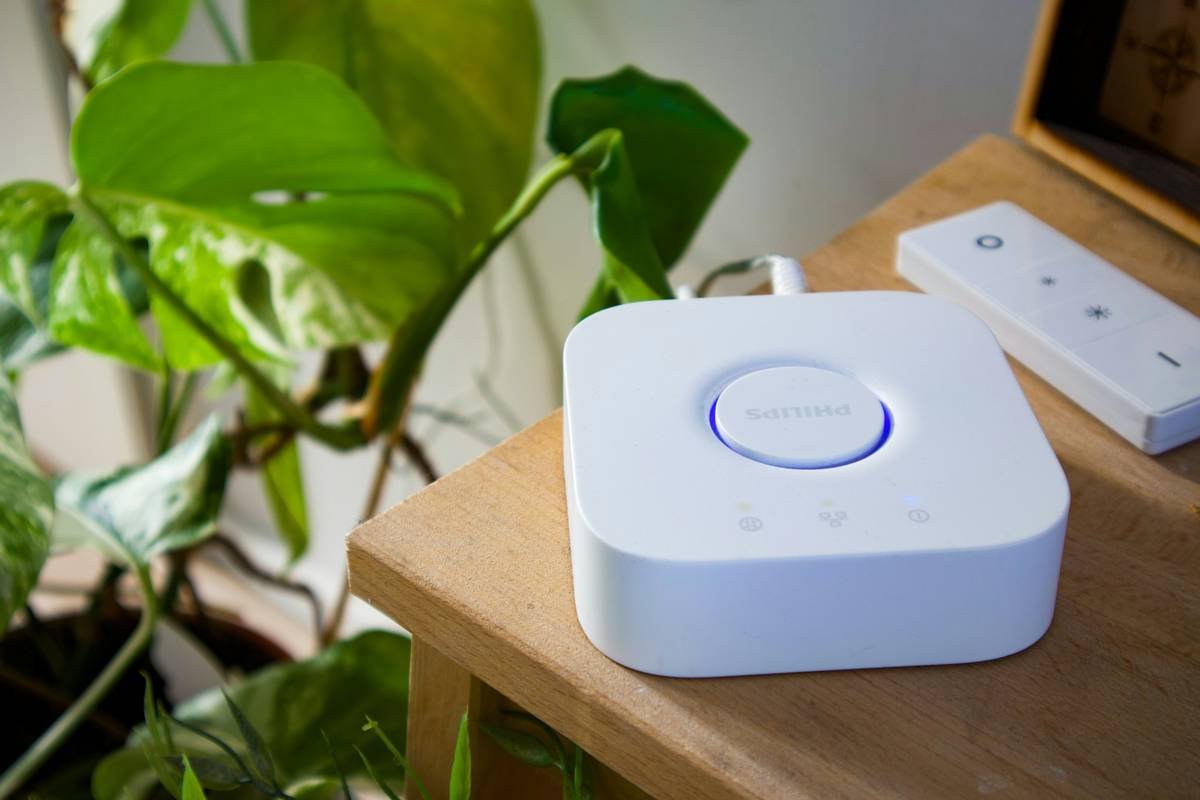
Figure 1: Real-time insights from smart switches make energy waste crystal clear.
Step-by-Step Guide to Setting Up Smart Switches
Optimist You: “This will be so easy!”
Grumpy You: “Easy? Only if your Wi-Fi cooperates…”
Here’s how to get started without pulling your hair out:
Step 1: Pick the Right Smart Switch
- Look for models compatible with your existing setup (e.g., Alexa, Google Home).
- Ensure they support energy monitoring features—not every smart switch does.
- Avoid cheap knockoffs; reliability matters here.
Step 2: Install Like a Pro
- Turn off the circuit breaker before working with electrical wiring. Safety first!
- Connect wires according to the manufacturer’s instructions—no shortcuts allowed.
- Turn the breaker back on and download the accompanying app.
Step 3: Configure Tracking Settings
Once installed, open the app and enable energy tracking. Many apps let you customize alerts (e.g., notifications when standby power exceeds certain thresholds).
Best Practices for Maximizing Energy Savings
- Leverage Scheduling Features: Automate lights and appliances to turn off during peak hours or while you’re asleep.
- Identify Power Hogs: Use historical data to pinpoint what’s draining your resources most.
- Create Usage Limits: Set caps for individual devices or rooms to prevent excessive use.
- Don’t Be Greedy: Just because you *can* control everything remotely doesn’t mean you should leave everything plugged in.
Brutal Honesty Alert: Here’s a terrible tip someone might give you—”Replace ALL your outlets with smart switches.” Sure, unless you enjoy being broke and overwhelmed. Start small, prioritize high-energy areas like kitchens and living rooms, and expand gradually.
Real-World Examples of Success Stories
Meet Sarah, a busy mom who replaced three regular wall switches with smart ones in her kitchen. Within weeks, she slashed her monthly energy bill by nearly 18%. Her secret? She realized her always-on dishwasher accounted for half her kitchen’s total usage and adjusted its schedule accordingly.
Then there’s James, a college student whose gaming rig ran nonstop. Thanks to smart switch energy usage tracking, he found out his rig consumed more juice overnight than during his marathon sessions. Lesson learned: Always shut it down properly.
FAQs About Smart Switch Energy Usage Tracking
Q: Do I need a smart home hub to use smart switches?
A: Not necessarily! Most modern smart switches connect via Wi-Fi directly to your phone or voice assistant.
Q: Can smart switches monitor energy usage for multiple devices?
A: Yes—if all those devices share a single outlet controlled by the switch.
Q: Will switching to smart switches void my warranty?
A: Nope, as long as you follow proper installation procedures.
Conclusion: Ditch the Guesswork, Save Some Green
We’ve covered a lot today—from understanding smart switch energy usage tracking to implementing actionable strategies for cutting costs. Remember, knowledge is power—but only if you act on it.
Now go forth and reclaim dominion over your home’s energy grid. And hey, treat yourself to that expensive latte once you start seeing the savings. 😉
Bonus haiku:
Energy vampires
Caught red-handed by smart tech—
No mercy shown.