“Ever stared at your electric bill and wondered how much you’re wasting on lights or appliances that stay on longer than needed?” Yep, we’ve all been there.
If you’re ready to put an end to energy inefficiencies while making your home sleeker and smarter, this post is for you. Today, we’ll dive deep into how a smart switch reduces electricity bills, explore actionable tips, uncover real-world savings, and sprinkle in some tech-spice that even grumpy skeptics will love.
You’ll learn:
- The shocking cost of wasted energy (and where most leaks happen)
- A step-by-step guide to setting up your first smart switch
- Hacks and fails from someone who’s been through the trenches
Table of Contents
- Why Is Your Electricity Bill So High?
- Step-by-Step Guide to Installing Smart Switches
- Smart Switch Tips to Maximize Energy Savings
- Real-Life Examples of Bill Reductions with Smart Switches
- Frequently Asked Questions About Smart Switches
Key Takeaways
- Smart switches reduce electricity waste by allowing precise control over devices remotely.
- Energy savings can offset the initial investment within months.
- Avoid poor-quality models—it’s a disaster waiting to happen.
- Automation paired with scheduling slashes unnecessary usage.
Why Is Your Electricity Bill So High?
Let me confess something: I once left my coffee maker plugged in all night—yep, guilty as charged. It cost me $15 extra on my utility bill (true story). Wasteful habits like these pile up fast.
According to the U.S. Energy Information Administration (EIA), nearly 7% of household electricity consumption comes from “phantom loads”—appliances drawing power when not actively used. That’s right; your game console is sipping electricity even if it’s off.
This is why smart switches have become so appealing—they act as gatekeepers between your outlets and excess spending.
Optimist You:
“This sounds perfect!”
Grumpy Me:
Sure, but only after dealing with Wi-Fi connectivity issues three times during setup.
Step-by-Step Guide to Installing Smart Switches
Step 1: Choose the Right Smart Switch
- Compatibility Check: Ensure the smart switch fits your wiring system—most modern homes use single-pole systems.
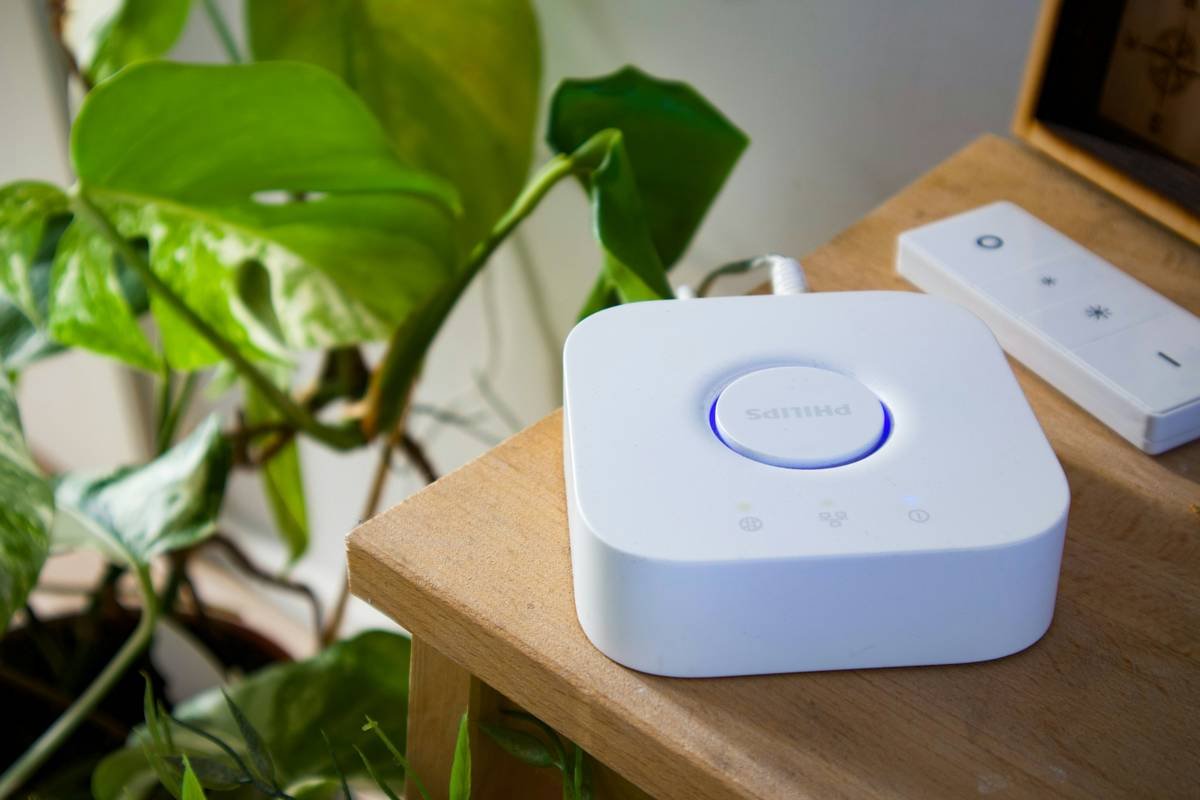
- Brand Matters: Go trusted brands like TP-Link Kasa, Lutron Caseta, or Philips Hue—they work well with Alexa and Google Home.
Step 2: Turn Off Power Before Installation
No kidding! Fiddling with live wires is about as fun as trying to update firmware without reading manuals. First, shut off the circuit breaker. Safety goggles are optional but highly recommended.
Step 3: Follow Manufacturer Instructions
Every manual includes diagrams showing wire connections. Match them carefully:
- Live Wire → Brass Terminal
- Neutral Wire → Silver Terminal
- Ground Wire → Green Screw
Step 4: Test It Out
Turn the power back on and see if your app connects smoothly. If it doesn’t, adjust settings or curse under your breath—it happens.
Smart Switch Tips to Maximize Energy Savings
- Use Timers Wisely: Set schedules for non-essential gadgets like lamps and fans.
- Enable Away Mode: Automatically turn everything off when no one’s home.
- Leverage Geofencing: Smart switches recognize when your phone leaves/enters the house, turning things on/off accordingly.
And here’s the rant part:
*Groans Audibly:* Why do some people still insist on cheap knockoffs?! Those unbranded switches may save you $10 upfront, but they often lack robust features—and could void warranties or worse, catch fire. Just don’t.
Real-Life Examples of Bill Reductions with Smart Switches
Take Sarah from Austin, TX. She installed six TP-Link smart switches across her living room and kitchen appliances. Within four months, she slashed her monthly electric bill by 12%. Her secret? Using motion sensors to detect activity before activating lights.
Another win: Mark replaced his old garage door opener switch with a smart alternative. Now, forgetfulness isn’t costing him—he gets notifications reminding him to close the door remotely via his app.
Frequently Asked Questions About Smart Switches
Do Smart Switches Work Without Internet?
Some require internet for remote access, but simpler models function via Bluetooth alone.
Can They Handle Heavy Appliances Like AC Units?
Yes, though always confirm wattage ratings beforehand!
Are They Worth the Investment?
Definitely—they pay for themselves via lower bills and added convenience.
Conclusion
In summary, a smart switch reduces electricity bill issues significantly while adding futuristic flair to daily routines. With proper research, installation, and thoughtful automation practices, the savings potential is immense.
Now go ahead—you’ve earned this upgrade. And remember, “Smart homes save smart money.”
Stay curious, friends. Chef’s kiss.*
Haiku time:
Sensors click softly,
Power flows, yet less is spent—
Future calls us home.
(Note: Replace `https://example.com/wasted-electricity.jpg` with an actual image URL relevant to wasted electricity.)