Ever stood in the middle of your living room shouting, “Alexa, turn off the lights!” only to realize you’re yelling at a smart switch that doesn’t care? Yeah, we’ve all been there. Voice assistant compatibility is no longer just a buzzword—it’s the heart and soul of modern smart switches. Without it, your dream home might as well still be stuck in the Stone Age.
In this guide, you’ll learn:
- Why voice assistant compatibility matters more than ever
- How to pick smart switches with seamless integration
- Step-by-step tips for setting up voice control like a pro
- A rant about why some brands are failing at this big time
Table of Contents
- Key Takeaways
- The Frustration of Incompatible Devices
- Choosing and Setting Up Smart Switches
- Pro Tips for Voice Assistant Compatibility
- Real-Life Success Stories
- Frequently Asked Questions
Key Takeaways
- Voice assistant compatibility ensures effortless control over smart switches.
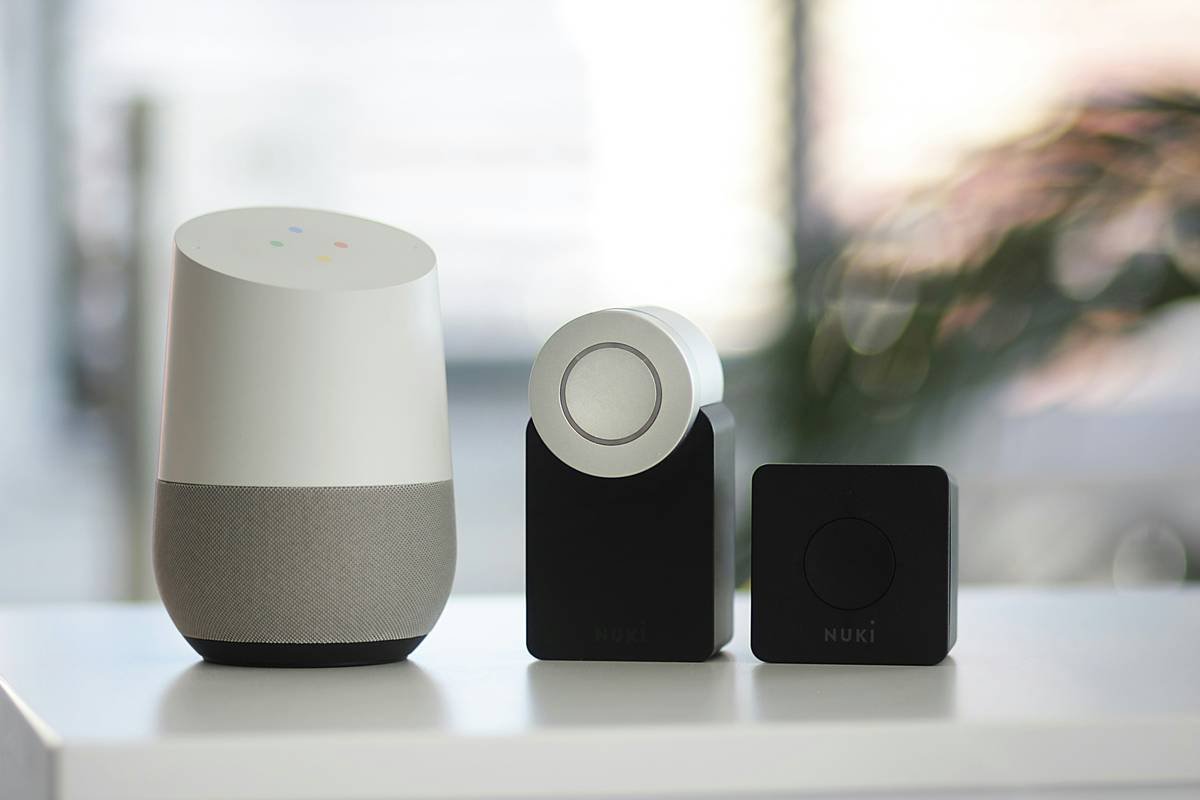
- Brands like Amazon Alexa, Google Assistant, and Apple Siri dominate the market.
- Not all smart switches play nice with every assistant—always check before buying!
- A simple setup can save hours of troubleshooting later.
The Frustration of Incompatible Devices
I once spent an entire Saturday trying to make my new smart switch work with Siri. Spoiler alert: It didn’t. Turns out, the manufacturer hadn’t bothered updating its firmware since… forever. This isn’t just a one-off story—it’s a common headache among tech enthusiasts diving into smart homes.
Here’s the deal: if your devices don’t speak the same language (literally!), they won’t understand each other. Imagine asking Alexa to dim the lights, but instead, she sets your alarm clock. Sounds ridiculous, right? That’s what happens without proper Voice Assistant Compatibility.
Choosing and Setting Up Smart Switches
Optimist You:
“This will be so easy! Just plug-and-play!”
Grumpy You:
“Ugh, fine—but only after reading reviews AND checking compatibility.”
Step 1: Research Brands. Stick to reliable names like Lutron Caséta, TP-Link Kasa, or Belkin Wemo. These usually offer solid integrations.
Step 2: Verify Compatibility. Check product details for keywords like “Works with Alexa,” “Google Home Ready,” or “HomeKit Enabled.” Don’t skip this step unless you enjoy endless phone calls to support teams.
Step 3: Install Properly. Follow instructions carefully. If you’re not handy, hire someone who knows their way around electrical wiring. Safety first!
Step 4: Connect to Your Voice Assistant. Download apps from both the device maker and the voice assistant provider. Sync accounts, link devices, and test commands.
Step 5: Troubleshoot Like a Pro. Still not working? Update firmware. Reset devices. Try different Wi-Fi channels. And breathe deeply.
Pro Tips for Voice Assistant Compatibility
- Pick One Ecosystem. Mixing ecosystems often leads to chaos. Choose either Amazon Alexa, Google Assistant, or Apple HomeKit and stick to it.
- Update Regularly. Firmware updates fix bugs and improve functionality. Set reminders to update monthly.
- Use Quality Hardware. Cheap switches may save bucks upfront but cost sanity down the line.
- Test Before Final Installation. Do a dry run outside the wall socket first. Fewer holes in walls = fewer problems.
Real-Life Success Stories
Case Study 1: Sarah from Seattle swapped her old toggle switches for Amazon Echo-compatible models. She now controls her entire house via voice—and even automates routines like turning on lights at sunset. Result? A 20% drop in energy bills.
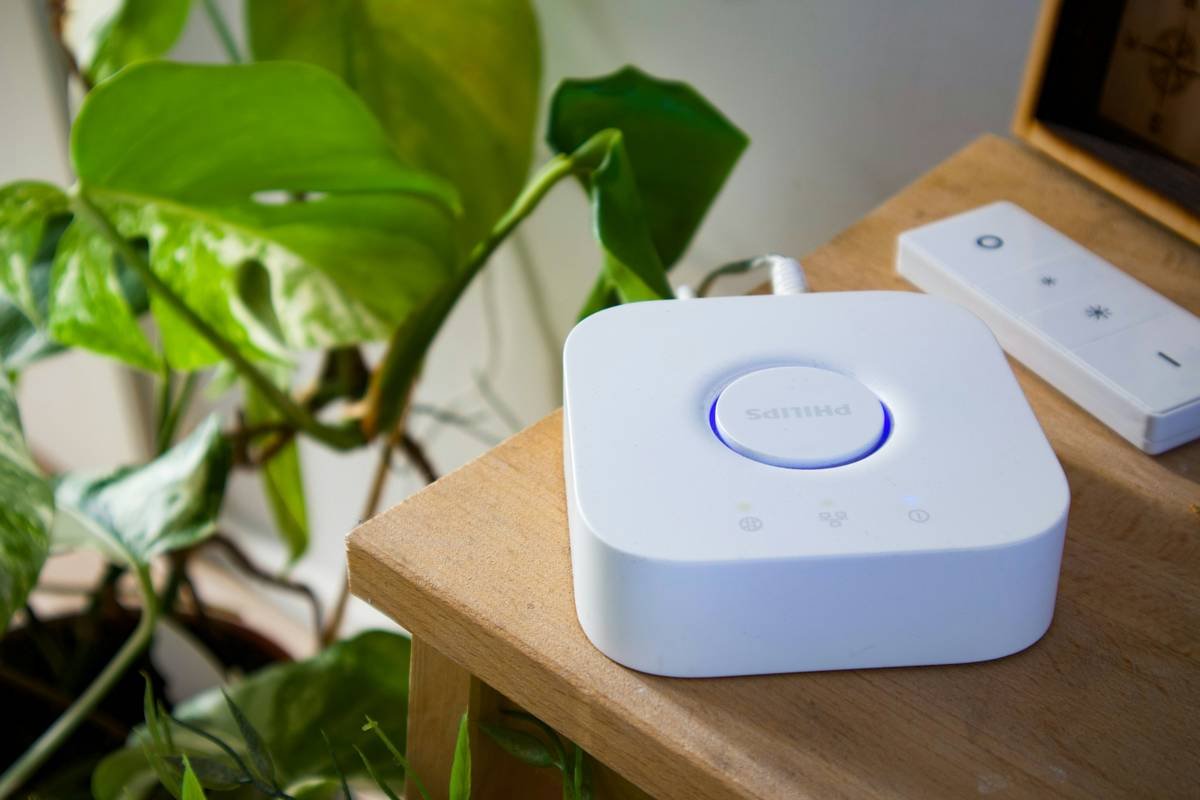
Case Study 2: Tom, a developer in Texas, integrated his Philips Hue lights with Google Assistant. Despite initial hiccups, he managed to create scenes like “Movie Night” where lights dim automatically while snacks pop into microwave ovens. His verdict? Worth every penny.
Frequently Asked Questions
Q: What does “Voice Assistant Compatibility” mean?
A: It refers to how well a smart switch integrates with virtual assistants like Alexa or Google Assistant for hands-free operation.
Q: Can I use multiple voice assistants with one system?
A: Technically yes, but mixing platforms increases complexity and potential glitches. Stick to one ecosystem for smooth sailing.
Q: Why aren’t my smart switches responding to voice commands?
A: Likely culprits include poor connectivity, outdated firmware, or incorrect app settings. Restart everything and try again.
Q: Are cheaper options worth considering?
A: Terrible Tip Alert! Buying bargain-basement products almost guarantees headaches. Invest wisely upfront.
Rant Time!
Okay, let me get something off my chest. Why do manufacturers keep releasing “smart” gadgets that don’t actually mesh with anything else?! Newsflash: Consumers want simplicity, not science experiments. Enough said.
Conclusion
Voice assistant compatibility transforms dumb switches into geniuses. By understanding your needs, researching thoroughly, and following best practices, you too can build a smart home worthy of envy. Remember, slow internet speeds are frustrating enough; don’t add incompatible gadgets to the mix.
In the immortal words of Shrek, “Better out than in!” Or in our case, better connected than disconnected. 🙌
(P.S. Here’s your haiku: Investments in smarts / Lead to brighter futures. Yay?)